

 One app for all your study abroad needs














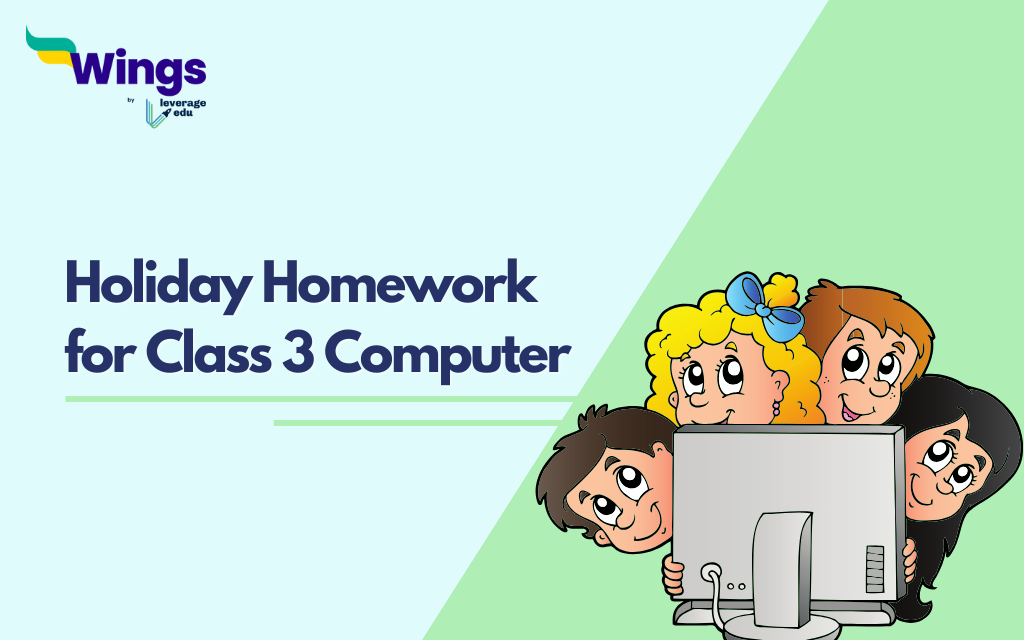
As the summer holiday approaches, it gives students a chance to relax, refresh, and spend quality time with loved ones. However, it is also a valuable time to learn new things outside the classroom. To balance both relaxation and learning, we have designed computer holiday homework ideas for Class 3 students. In this section, we’ll look at activities like Multiple Choice Questions (MCQ), Fill-in-the-blanks, short and long-answer questions, and projects to keep you engaged and intellectually active during the break.
Computer Holiday Homework for Class 3
Check out the ideas for holiday homework for class 3 computer students
1. Multiple Choice Questions (MCQs)
| 1.1. What is the main part of the computer that processes data and runs programmes? – Monitor – Keyboard – CPU – Mouse 1.2. Which device is used to point and click on items on the screen? – Keyboard – Mouse – Printer – Speaker 1.3. Which of the following is used to store data permanently? – RAM – ROM – Hard Drive – Processor 1.4. Which of these is a type of software? – Keyboard – Operating System – Monitor – Mouse 1.5. Which part of the computer displays the output? – Keyboard – Monitor – Mouse – CPU |
Also Read: Creative Holiday Homework for Nursery Class: Top 11 Ideas and Themes
2. Short Questions
| 1. What does ‘CPU’ stand for? 2. Name two input devices. 3. What is the purpose of an operating system? 4. What does ‘RAM’ stand for and what is its purpose? 5. What is a computer network? |
3. Match the terms to their correct definitions.
| Term | Definition |
| a) Monitor | 1. Prints documents |
| b) Keyboard | 2. Visual display screen |
| c) Printer | 3. Main processing unit |
| d) Mouse | 4. Inputs text and commands |
| e) CPU | 5. Pointing device used with GUI |
Also Read: Exciting Class 2 Holiday Homework Ideas: Sparking Creativity and Adventure
4. True or False
| 1. A monitor is an input device. (True/False) 2. The CPU is sometimes called the brain of the computer. (True/False) 3. RAM stores data permanently, even when the computer is turned off. (True/False) 4. A mouse can be used to type letters. (True/False) 5. An operating system is hardware. (True/False) |
5. Fill in the blanks
Computer, Central Processing Unit, Mouse, Desktop, Memory, Keyboard, Drawings, Universal Serial Bus, Laptop, Random Access Memory.
- A __________ is an electronic machine that helps us do many tasks.
- The full form of CPU is _______________________________.
- The device used to point and click on the screen is called a __________.
- The main screen of the computer is called the __________.
- A computer stores information in its __________.
- The keys we use to type letters and numbers are on the __________.
- MS Paint is used for making __________.
- The full form of USB is _______________________________.
- A computer that you can carry anywhere is called a __________.
- The full form of RAM is _______________________________.
Also Read: Summer Holiday Homework for Kindergarten: Engaging Activities for Young Learners
5. Exercise
| 1. Create a Digital Poster: Use a drawing or graphic design program to create a digital poster about the different parts of a computer. Include at least five parts (e.g., monitor, CPU, keyboard, mouse, printer) and describe their functions. Be creative with colours and images to make your poster interesting and informative. 2. Create a digital storybook using easy presentation software such as PowerPoint or Google Slides. Students can create a short story, add graphics with digital drawing tools, and use animations or transitions between presentations. They can then share their storybook with the class or family members. |
Also Read: Holiday Homework for Class 4 Social Science
6. Write the Full Form for all abbreviations
Write all the Full Forms of Computer Abbreviations for Class 3
- CPU – Central Processing Unit
- USB – Universal Serial Bus
- ROM – Read Only Memory
- RAM – Random Access Memory
- ATM – Automated Teller Machine
- LCD – Liquid Crystal Display
- LED – Light Emitting Diode
- CD – Compact Disc
- DVD – Digital Versatile Disc
- PC – Personal Computer
- PDF – Portable Document Format
- ISP – Internet Service Provider
- WWW – World Wide Web
- LAN – Local Area Network
- AI – Artificial Intelligence
7. Learn a Shortcut Key Every Day
Shortcut keys make computer usage faster and more fun.
Task example: Learn and write 10 shortcut keys, such as:
Ctrl + C (Copy), Ctrl + V (Paste), Ctrl + S (Save), Ctrl + Z (Undo).
Also Read: 7 Creative Ideas For Holiday Homework for Class 4 Science
Holiday homework for Class 3 Computer should be a mix of creative, practical, and educational activities. These ideas help children practice important computer skills such as typing, file handling, drawing, formatting, and understanding basic hardware. With fun and engaging tasks, students stay connected to learning even during vacations.
FAQs
Ans: Computer activities are important for students as they help them understand the workings of computers and their importance in daily life.
Ans: A computer is an electronic device that is used for storing and processing information. There are a lot of interesting facts to learn about computers, along with their functions.
Ans: A computer can be used to educate the students. They can learn about various subjects and skills from the computer. Apart from studies, it can be used for the entertainment of the kids. There are various ways to entertain children with computers, like playing video games that develop their cognitive skills and watching interesting films that teach them new things about the world.
Explore interesting ideas for school children here:
To refer to interesting ideas related to children’s school education and Holiday Homework activities, follow Leverage Edu now!!

 60,000+ students trusted us with their dreams. Take the first step today!